
What you should have on hand
- Your redemption code — printed on your receipt (e.g.
XXXX-XXXX-XXXX). - Your receipt link — a short link like
quickgpt.ai/r/…that shows your code and credit amount. - An email address you can access, for account sign-in.
Keep your code private. Anyone with the code can redeem the credits — treat it like cash.
Existing customers
If you already have a QuickGPT account, redemption takes about 30 seconds.
- Go to quickgpt.ai/wallet and sign in with the email on your account.
- Open the Redeem a prepaid code panel on the Wallet page.
- Enter your code exactly as shown on the receipt and tap Redeem. Dashes are optional — we normalize the format automatically.
- Your credits post to your wallet balance instantly. You'll see a confirmation and a new entry in your transaction history.
Shortcut: tapping Redeem at QuickGPT from your receipt page opens the wallet with the code pre-filled — just confirm and you're done.
New customers
No account yet? No problem — creating one is free and takes under a minute. Your gift card credits load into your wallet the moment you redeem.
- Go to quickgpt.ai/auth, then tap No account? Sign up and register with your email (or with Google). We'll send a confirmation link — click it to activate your account.
- Once you're signed in, open Wallet from the menu.
- In the Redeem a prepaid code panel, paste the code from your receipt and tap Redeem.
- Your credits are available immediately. Head to Chat or any of the QuickGPT apps and start using them.
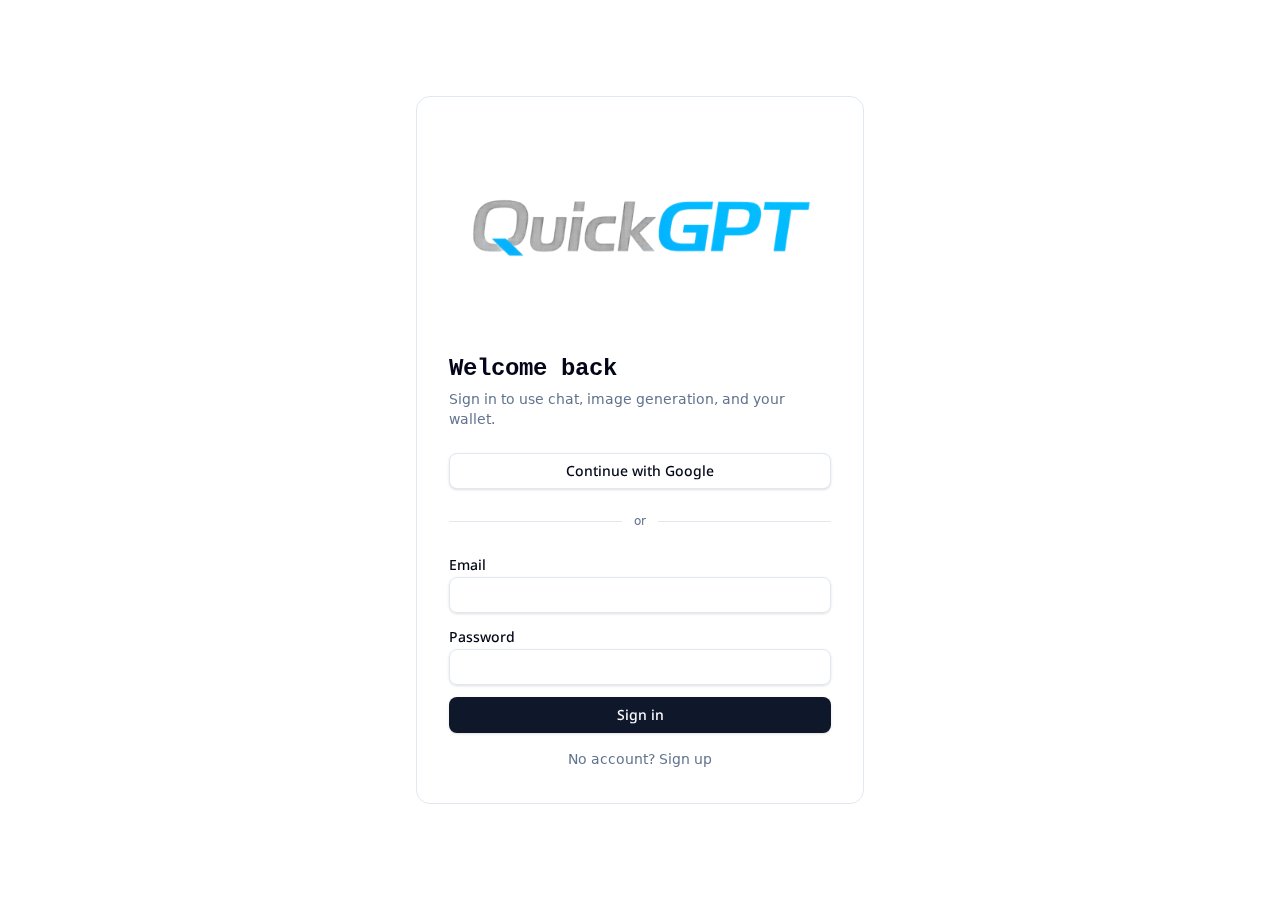
Even easier: from your receipt page, tap Redeem at QuickGPT. You'll be prompted to create an account first, and your code will already be waiting on the wallet screen when you land.
How credits work
- Credits are stored in your QuickGPT wallet and never expire.
- Credits are spent as you use chat, image generation, and other QuickGPT apps. Each model shows its cr/msg cost before you send.
- A gift card can only be redeemed once. Once applied, the code is retired.
Troubleshooting
- "Code not found" or "already redeemed": double-check for typos, then confirm the code hasn't already been applied to another account. If you're still stuck, email us with a photo of your receipt.
- Lost the receipt: the merchant who sold you the card can look up your receipt link from their POS. Contact them first.
- Credits didn't post: refresh your wallet page. If the balance still hasn't updated after a minute, contact us with your code and the email on your account.
Need help?
Email hello@quickgpt.com with your receipt link (or a photo of your printed receipt) and we'll get your credits sorted.